Brainrot Card Battles Official and Community Links
Bookmark the live Roblox experience and Discord so codes and patch notes reach you first.
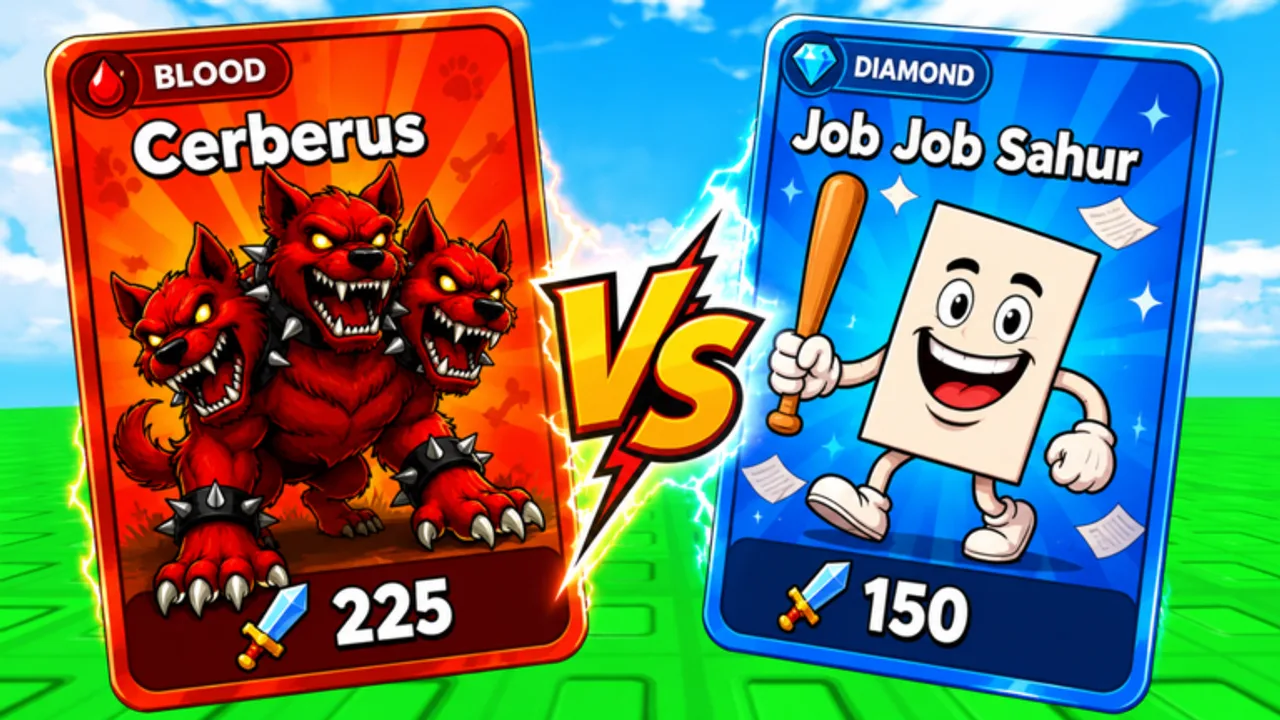
Brainrot Card Battles moves quickly after weekend events, world unlocks, and admin luck windows. The safest way to stay current is to pin a short list of official destinations and a few wiki hubs that translate those announcements into practical steps. This Links Hub collects those destinations so you are never hunting through chat spam for a dead invite.
Play Brainrot Card Battles on Roblox
Launch the live experience from the official page: Brainrot Card Battles on Roblox. Confirm the title and creator branding before you favorite the game—lookalike experiences reuse meme names and siphon traffic. Once you are in, redeem strings from the Active Codes list and follow Getting Started for the first-session loop.
Favoriting and liking the experience helps the Flyingane Fam team see demand for new worlds, Tower seasons, and code drops. It also makes the game easier to reopen on mobile after a short break.
Community Discord
Join the community Discord with this invite: Brainrot Card Battles Discord. Use Discord for live admin event pings, guild recruitment, and patch chatter. Treat any DM that asks you to “verify” with a strange website as phishing. Codes posted in Discord should still be redeemed only inside the Roblox Shop panel—never on a cloned login page.
When a new string appears, cross-check it against our Codes Hub and the Codes Copy Tool so you are not pasting mistyped characters from a screenshot.
Flyingane Fam and group announcements
Developer announcements often land on the Roblox game page description, group shout channels tied to Flyingane Fam, and Discord pins. Bookmark the game page first, then watch Discord for short-notice luck weather or raid windows. This wiki summarizes durable systems on Patch Notes and Events, but live timers still belong on official channels.
Wiki destinations worth pinning
Use these internal hubs after you finish the official links:
- Wiki Directory — map of every major section on this site.
- Guides Hub — how to play, evolve, Tower, guilds, and worlds.
- Tier List Hub — investment priority for Mythic and Legendary cards.
- Cards Hub — roster notes and SECRET or COSMIC hunting tips.
- Scripts Hub — automation status and safety guidance.
- Tools Hub — copy helpers and deck checklists.
- Updates Hub — patch and event context.
How to avoid scam links
Roblox meme games attract fake “free Robux,” fake code generators, and Discord servers that harvest cookies. Stick to the Roblox.com game URL above, the Discord invite on this page, and paths on brainrotcardbattles.wiki. Never enter your password outside Roblox. Never download random .exe files because a stranger promised auto-roll.
If a friend shares a shortened link, expand it and confirm the domain before clicking. When in doubt, return here and use the anchors on this page.
Guild recruitment etiquette
Looking for a raid-ready guild? Post your deck power, timezone, and Tower floor in Discord instead of spamming public Roblox servers. Officers usually want players who already cleared early worlds and understand Guild Raids. Bring potions and keep raid attendance consistent.
Mobile versus desktop bookmarks
On mobile, star the Roblox experience and keep this Links Hub in your browser reading list. On desktop, open Discord in a second window while you redeem codes so you can react to sudden admin events without leaving the match.
What we intentionally omit
We do not invent Trello boards, Twitter handles, or storefront URLs that we cannot verify. If Flyingane Fam publishes a public roadmap later, it will be added here with a clear label. Until then, treat Discord pins and the Roblox description as the source of truth, and use this wiki for deep strategy pages that stay useful between patches.
Related reading after you bookmark
Redeem codes with How to Redeem, plan investments with the Overall Tier List, and track session goals with the Deck Checklist. When you are ready for endgame loops, open Tower Climb and Secret and Cosmic Cards.
Keeping your bookmarks clean saves more time than any single code. Start with Roblox and Discord, then let the wiki hubs handle the rest of your session planning.
Bookmark trio for daily players
Save three tabs: the Roblox game page for launch, Discord for code pings, and this wiki’s Codes Copy Tool for typo-free redemption beside your session.
Frequently Asked Questions
Quick answers about Brainrot Card Battles and this wiki.
What is the official Roblox link?
Use https://www.roblox.com/games/124124395449044/Brainrot-Card-Battles and confirm the Brainrot Card Battles title before playing.
Where is the Discord invite?
Join through https://discord.gg/v3QaTDQ9Pe. Ignore DMs that ask you to verify on unrelated websites.
Is there an official Trello?
We have not verified a public Trello for this game. Follow Discord pins and the Roblox page until a roadmap is published.
Is this wiki official?
No. This is an unofficial fan resource. Announcements from Flyingane Fam and Roblox channels always take priority.